
Cancel ClearScanner Pro Subscription
Published by INDY MOBILE APP COMPANY LIMITED on 2026-01-18Uncover the ways INDY MOBILE APP COMPANY LIMITED (the company) bills you and cancel your ClearScanner Pro subscription.
🚨 Guide to Canceling ClearScanner Pro 👇
Note before cancelling:
- The developer of ClearScanner Pro is INDY MOBILE APP COMPANY LIMITED and all inquiries go to them.
- Always cancel subscription 24 hours before it ends.
🌐 Cancel directly via ClearScanner Pro
- Mail ClearScanner Pro requesting that they cancel your account:
- Login to your ClearScanner Pro account.
- In the menu section, look for any of these: "Billing", "Subscription", "Payment", "Manage account", "Settings".
- Click the link, then follow the prompts to cancel your subscription.
End ClearScanner Pro subscription on iPhone/iPad:
- Goto Settings » ~Your name~ » "Subscriptions".
- Click ClearScanner Pro (subscription) » Cancel
Cancel subscription on Android:
- Goto Google PlayStore » Menu » "Subscriptions"
- Click on ClearScanner Pro: PDF Scanning
- Click "Cancel Subscription".
💳 Cancel ClearScanner Pro on Paypal:
- Goto Paypal.com .
- Click "Settings" » "Payments" » "Manage Automatic Payments" (in Automatic Payments dashboard).
- You'll see a list of merchants you've subscribed to.
- Click on "ClearScanner Pro" or "INDY MOBILE APP COMPANY LIMITED" to cancel.
Have a Problem with ClearScanner Pro: PDF Scanning? Report Issue
About ClearScanner Pro: PDF Scanning?
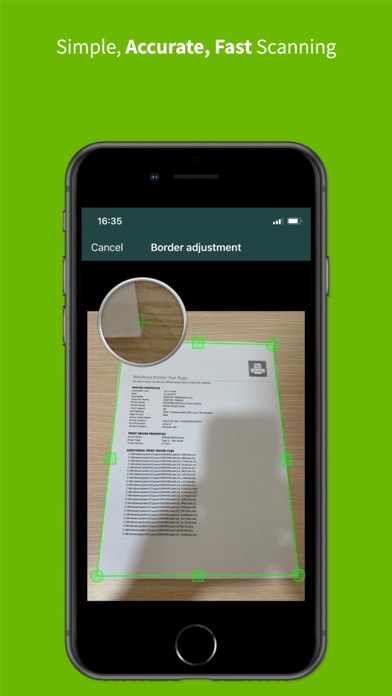
1. Get the faster processing speed for scanning your document with Clear Scanner and share the files immediately over mail, Dropbox, OneDrive, SkyDrive, Google Drive, Evernote and other to enjoy the joy of scanning.
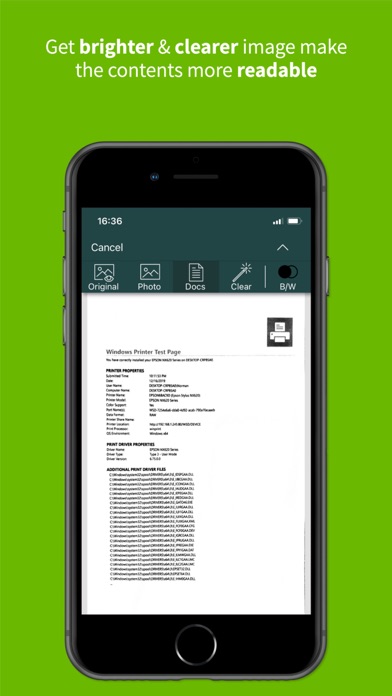
2. This is the fastest means to get the scanned document in the highest quality and convert it immediately into PDF or JPEG format so that you can share the scanned document, image, books, bills, important notes or any type of paper that you can think of.
3. Now, you can transform your smartphone into a mini pocket scanner and enjoy the high quality images in your device within just one touch with the best ever mobile scanning app “Clear Scanner Pro: Fast PDF Scans”.
4. So get this amazing mini pocket scanner app now in your smartphones and get the scanning done from any part of the world and send the scanned image to any person at any location.
5. You can also save the image using an appropriate name and reorder the scanned files that makes it easier for the user to find the file, document, image, or other scanned notes.