
Cancel Find Device Subscription
Published by LANARS LLC on 2025-04-01Uncover the ways LANARS LLC (the company) bills you and cancel your Find Device subscription.
🚨 Guide to Canceling Find Device 👇
Note before cancelling:
- The developer of Find Device is LANARS LLC and all inquiries go to them.
- Always cancel subscription 24 hours before it ends.
🌐 Cancel directly via Find Device
- Mail Find Device requesting that they cancel your account:
- Login to your Find Device account.
- In the menu section, look for any of these: "Billing", "Subscription", "Payment", "Manage account", "Settings".
- Click the link, then follow the prompts to cancel your subscription.
End Find Device subscription on iPhone/iPad:
- Goto Settings » ~Your name~ » "Subscriptions".
- Click Find Device (subscription) » Cancel
Cancel subscription on Android:
- Goto Google PlayStore » Menu » "Subscriptions"
- Click on Find Device - bluetooth finder
- Click "Cancel Subscription".
💳 Cancel Find Device on Paypal:
- Goto Paypal.com .
- Click "Settings" » "Payments" » "Manage Automatic Payments" (in Automatic Payments dashboard).
- You'll see a list of merchants you've subscribed to.
- Click on "Find Device" or "LANARS LLC" to cancel.
Have a Problem with Find Device - bluetooth finder? Report Issue
About Find Device - bluetooth finder?
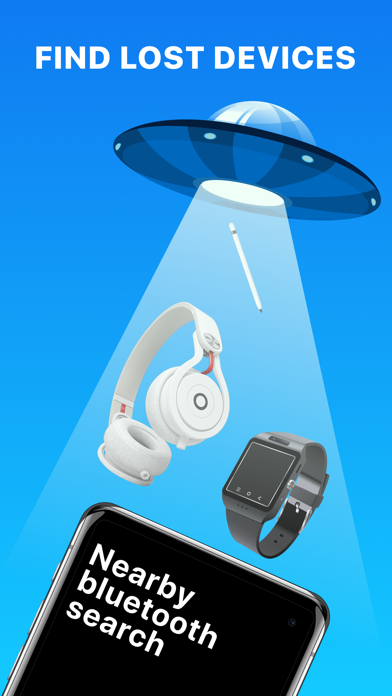
1. In the application you’ll see a list of Bluetooth devices around you and the approximate distance to them.
2. - Why can't I see my device on the list? Sometimes not all devices are visible in the app, because they are turned off, too far away, or just not sending Bluetooth signal.
3. - Why do I see Unknown devices? Some devices don’t transmit data, such as name or manufactured name, however, you’ll be able to see the distance to it.
4. If the lost device is on and its battery isn’t dead, we can provide you with the help to scan and find it via its Bluetooth.
5. - Can I find AirPods if they are in a closed AirPod case? No, since AirPods in a closed case do not transmit a signal.