
Cancel TypeIt4Me Touch Subscription
Published by Ettore Software Ltd. on 2025-10-03Uncover the ways Ettore Software Ltd. (the company) bills you and cancel your TypeIt4Me Touch subscription.
🚨 Guide to Canceling TypeIt4Me Touch 👇
Note before cancelling:
- The developer of TypeIt4Me Touch is Ettore Software Ltd. and all inquiries go to them.
- Always cancel subscription 24 hours before it ends.
🌐 Cancel directly via TypeIt4Me Touch
- Mail TypeIt4Me Touch requesting that they cancel your account:
- Login to your TypeIt4Me Touch account.
- In the menu section, look for any of these: "Billing", "Subscription", "Payment", "Manage account", "Settings".
- Click the link, then follow the prompts to cancel your subscription.
End TypeIt4Me Touch subscription on iPhone/iPad:
- Goto Settings » ~Your name~ » "Subscriptions".
- Click TypeIt4Me Touch (subscription) » Cancel
Cancel subscription on Android:
- Goto Google PlayStore » Menu » "Subscriptions"
- Click on TypeIt4Me Touch
- Click "Cancel Subscription".
💳 Cancel TypeIt4Me Touch on Paypal:
- Goto Paypal.com .
- Click "Settings" » "Payments" » "Manage Automatic Payments" (in Automatic Payments dashboard).
- You'll see a list of merchants you've subscribed to.
- Click on "TypeIt4Me Touch" or "Ettore Software Ltd." to cancel.
Have a Problem with TypeIt4Me Touch? Report Issue
About TypeIt4Me Touch?
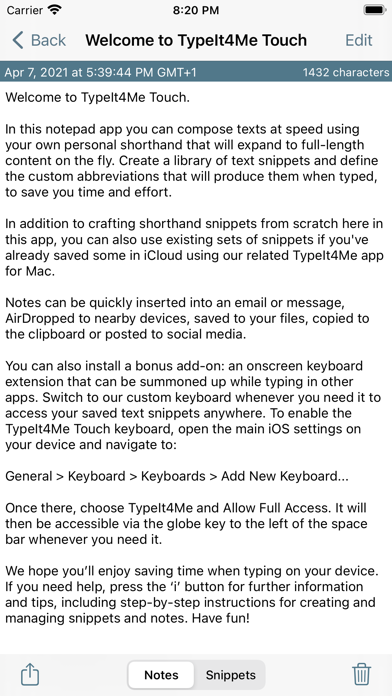
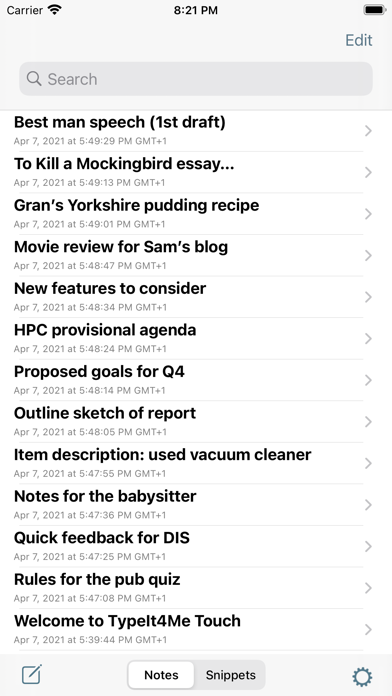
1. With TypeIt4Me Touch installed on your iPhone or iPad, greetings, common phrases, boilerplate texts, URLs or even large chunks of programming code can all be just a couple of prods away.
2. Just email your Mac TypeIt4Me snippet set files to yourself and open the attachments in TypeIt4Me Touch on your iPhone or iPad to import your abbreviations.
3. If you’re still using TypeIt4Me 5.5.3 (or earlier versions for Mac) downloaded directly from the Ettore Software website, automatic iCloud syncing of your abbreviations between Mac and iOS is not available.
4. If you use TypeIt4Me 6 (or TypeIt4Me 5.4.x from the Mac App Store) and you keep your abbreviations in iCloud, you can use them on your iPhone and iPad.
5. Install the bundled TypeIt4Me Touch keyboard extension and quickly bring it up in any app to access long snippets of frequently used text.