
Cancel Slow Shutter Cam Subscription
Published by Cogitap Software on 2025-10-20Uncover the ways Cogitap Software (the company) bills you and cancel your Slow Shutter Cam subscription.
🚨 Guide to Canceling Slow Shutter Cam 👇
Note before cancelling:
- The developer of Slow Shutter Cam is Cogitap Software and all inquiries go to them.
- Always cancel subscription 24 hours before it ends.
🌐 Cancel directly via Slow Shutter Cam
- 🌍 Contact Slow Shutter Cam Support
- Mail Slow Shutter Cam requesting that they cancel your account:
- E-Mail: mobilephoton17@gmail.com
- Login to your Slow Shutter Cam account.
- In the menu section, look for any of these: "Billing", "Subscription", "Payment", "Manage account", "Settings".
- Click the link, then follow the prompts to cancel your subscription.
End Slow Shutter Cam subscription on iPhone/iPad:
- Goto Settings » ~Your name~ » "Subscriptions".
- Click Slow Shutter Cam (subscription) » Cancel
Cancel subscription on Android:
- Goto Google PlayStore » Menu » "Subscriptions"
- Click on Slow Shutter Cam
- Click "Cancel Subscription".
💳 Cancel Slow Shutter Cam on Paypal:
- Goto Paypal.com .
- Click "Settings" » "Payments" » "Manage Automatic Payments" (in Automatic Payments dashboard).
- You'll see a list of merchants you've subscribed to.
- Click on "Slow Shutter Cam" or "Cogitap Software" to cancel.
Have a Problem with Slow Shutter Cam? Report Issue
About Slow Shutter Cam?
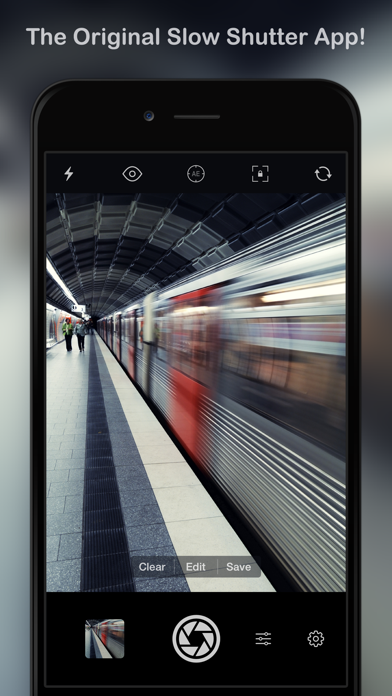
1. How many times have you tried to capture artful images with your iPhone camera but were left wishing you had more features to work with? Slow Shutter Cam puts an end to mere snapshots and gives you some of the most powerful features of a DSLR camera.
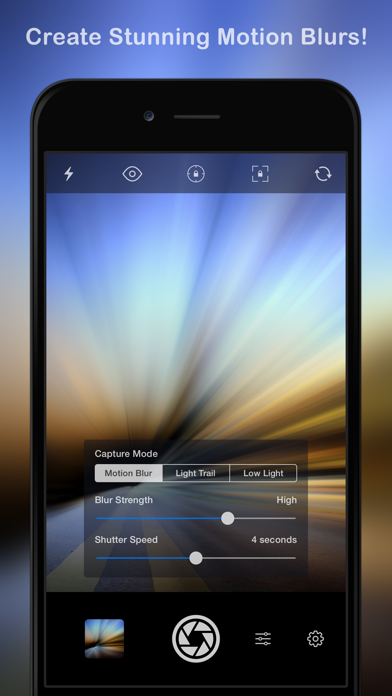
2. MOTION BLUR: Equivalent to the shutter priority mode on a DSLR, the Motion Blur mode is perfect for creating ghost images, waterfall effects or suggesting movement in your photographs by adding a blur.
3. Slow Shutter Cam brings new life into your device's photo toolbox by letting you capture a variety of amazing slow shutter speed effects that you only thought you could get with a DSLR.
4. LOW LIGHT: In low light conditions, this capture mode allows the camera to accumulate every photon of light hitting the sensor.
5. With Slow Shutter Cam on your iPhone you get the features of a DSLR camera with the convenience of a device that you can drop in your pocket and take with you wherever you go.