
Cancel Fog of World Subscription
Published by Ollix on 2026-05-23Uncover the ways Ollix (the company) bills you and cancel your Fog of World subscription.
🚨 Guide to Canceling Fog of World 👇
Note before cancelling:
- The developer of Fog of World is Ollix and all inquiries go to them.
- Always cancel subscription 24 hours before it ends.
🌐 Cancel directly via Fog of World
- Mail Fog of World requesting that they cancel your account:
- Login to your Fog of World account.
- In the menu section, look for any of these: "Billing", "Subscription", "Payment", "Manage account", "Settings".
- Click the link, then follow the prompts to cancel your subscription.
End Fog of World subscription on iPhone/iPad:
- Goto Settings » ~Your name~ » "Subscriptions".
- Click Fog of World (subscription) » Cancel
Cancel subscription on Android:
- Goto Google PlayStore » Menu » "Subscriptions"
- Click on Fog of World
- Click "Cancel Subscription".
💳 Cancel Fog of World on Paypal:
- Goto Paypal.com .
- Click "Settings" » "Payments" » "Manage Automatic Payments" (in Automatic Payments dashboard).
- You'll see a list of merchants you've subscribed to.
- Click on "Fog of World" or "Ollix" to cancel.
Have a Problem with Fog of World? Report Issue
About Fog of World?
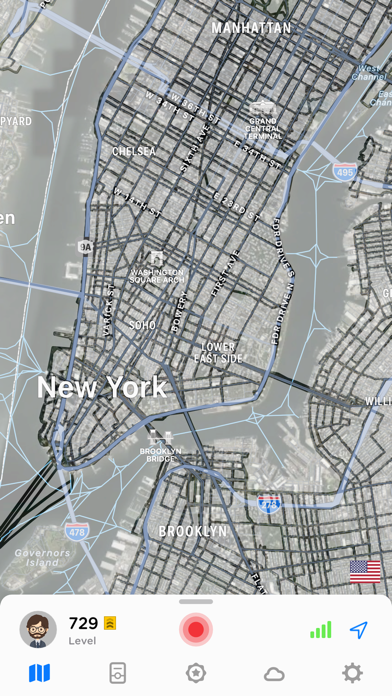
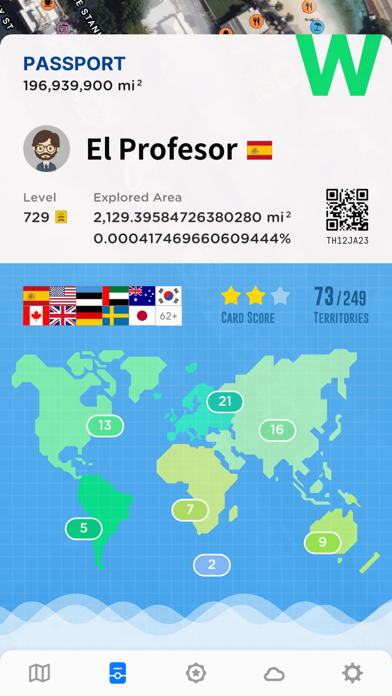
1. Embrace a unique way of experiencing your adventures! Explore, visit and memorize your travels on the world map.
2. Fog of World is a real-life, travel and exploring game where you need to remove the fog on the map by exploring the world.
3. • Fog of World is the first app that brings the fog of war idea into the real world map back in 2012 and provides free updates since then.
4. It’s like having world atlas and yourself to explore and conquer it.
5. • Fog of World remains the best app to render the fog overlay and is the only app that shows you high-resolution tracks.