
Cancel myLightMeter PRO Subscription
Published by David Quiles on 2026-07-08Uncover the ways David Quiles (the company) bills you and cancel your myLightMeter PRO subscription.
🚨 Guide to Canceling myLightMeter PRO 👇
Note before cancelling:
- The developer of myLightMeter PRO is David Quiles and all inquiries go to them.
- Always cancel subscription 24 hours before it ends.
🌐 Cancel directly via myLightMeter PRO
- Mail myLightMeter PRO requesting that they cancel your account:
- Login to your myLightMeter PRO account.
- In the menu section, look for any of these: "Billing", "Subscription", "Payment", "Manage account", "Settings".
- Click the link, then follow the prompts to cancel your subscription.
End myLightMeter PRO subscription on iPhone/iPad:
- Goto Settings » ~Your name~ » "Subscriptions".
- Click myLightMeter PRO (subscription) » Cancel
Cancel subscription on Android:
- Goto Google PlayStore » Menu » "Subscriptions"
- Click on myLightMeter PRO
- Click "Cancel Subscription".
💳 Cancel myLightMeter PRO on Paypal:
- Goto Paypal.com .
- Click "Settings" » "Payments" » "Manage Automatic Payments" (in Automatic Payments dashboard).
- You'll see a list of merchants you've subscribed to.
- Click on "myLightMeter PRO" or "David Quiles" to cancel.
Have a Problem with myLightMeter PRO? Report Issue
About myLightMeter PRO?
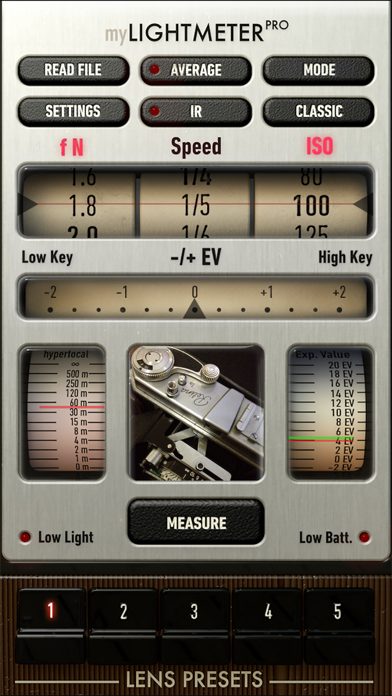
1. Whether you’re shooting film or digital, this app gives you full control over exposure with a clean, professional toolset.
2. Built with a single goal: reliable and precise exposure, for both digital and analog workflows.
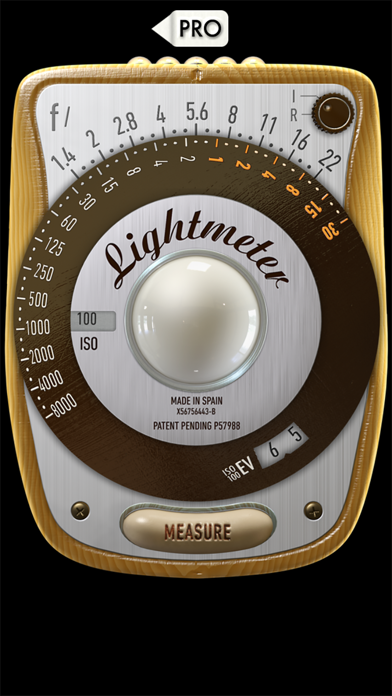
3. For accurate incident metering, a diffuser must be placed over the front camera.
4. Without it, readings will behave as reflected light metering.
5. This app is built and maintained by an independent photographer and developer.