Cancel Taskfabric Projects & Tasks Subscription
Published by taskfabric ltdUncover the ways taskfabric ltd (the company) bills you and cancel your Taskfabric Projects & Tasks subscription.
🚨 Guide to Canceling Taskfabric Projects & Tasks 👇
Note before cancelling:
- The developer of Taskfabric Projects & Tasks is taskfabric ltd and all inquiries go to them.
- Always cancel subscription 24 hours before it ends.

🌐 Cancel directly via Taskfabric Projects & Tasks
- Mail Taskfabric Projects & Tasks requesting that they cancel your account:
- Login to your Taskfabric Projects & Tasks account.
- In the menu section, look for any of these: "Billing", "Subscription", "Payment", "Manage account", "Settings".
- Click the link, then follow the prompts to cancel your subscription.
End Taskfabric Projects & Tasks subscription on iPhone/iPad:
- Goto Settings » ~Your name~ » "Subscriptions".
- Click Taskfabric Projects & Tasks (subscription) » Cancel
Cancel subscription on Android:
- Goto Google PlayStore » Menu » "Subscriptions"
- Click on Taskfabric Projects & Tasks
- Click "Cancel Subscription".
💳 Cancel Taskfabric Projects & Tasks on Paypal:
- Goto Paypal.com .
- Click "Settings" » "Payments" » "Manage Automatic Payments" (in Automatic Payments dashboard).
- You'll see a list of merchants you've subscribed to.
- Click on "Taskfabric Projects & Tasks" or "taskfabric ltd" to cancel.
Have a Problem with Taskfabric Projects & Tasks? Report Issue
About Taskfabric Projects & Tasks?
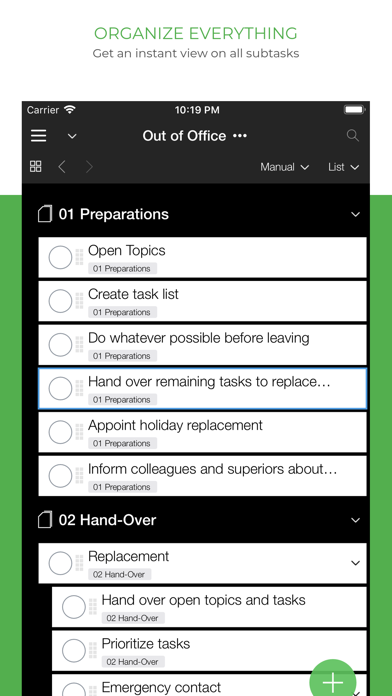
1. Taskfabric is the task manager built for you and your team! Use it on all your devices - on all major mobile and desktop platforms, in your web browser and more.
2. Shared task lists can be accessed by your team members with any web browser (free), native mobile and desktop versions for all major platforms.
3. We built the Taskfabric project and task manager for freelancers, project managers and professional users.
4. With Taskfabric you can add a formatted note, file attachments and web links to each task to keep everything you need for your tasks in one place.
5. Share your projects and tasks with team members (read only access) and project managers (full access).