
Cancel FlexR (Shift planner) Subscription
Published by Gerrit kleyn Winkel on 2026-09-18Uncover the ways Gerrit kleyn Winkel (the company) bills you and cancel your FlexR (Shift planner) subscription.
🚨 Guide to Canceling FlexR (Shift planner) 👇
Note before cancelling:
- The developer of FlexR (Shift planner) is Gerrit kleyn Winkel and all inquiries go to them.
- Always cancel subscription 24 hours before it ends.
🌐 Cancel directly via FlexR (Shift planner)
- Mail FlexR (Shift planner) requesting that they cancel your account:
- Login to your FlexR (Shift planner) account.
- In the menu section, look for any of these: "Billing", "Subscription", "Payment", "Manage account", "Settings".
- Click the link, then follow the prompts to cancel your subscription.
End FlexR (Shift planner) subscription on iPhone/iPad:
- Goto Settings » ~Your name~ » "Subscriptions".
- Click FlexR (Shift planner) (subscription) » Cancel
Cancel subscription on Android:
- Goto Google PlayStore » Menu » "Subscriptions"
- Click on FlexR (Shift planner)
- Click "Cancel Subscription".
💳 Cancel FlexR (Shift planner) on Paypal:
- Goto Paypal.com .
- Click "Settings" » "Payments" » "Manage Automatic Payments" (in Automatic Payments dashboard).
- You'll see a list of merchants you've subscribed to.
- Click on "FlexR (Shift planner)" or "Gerrit kleyn Winkel" to cancel.
Have a Problem with FlexR (Shift planner)? Report Issue
About FlexR (Shift planner)?
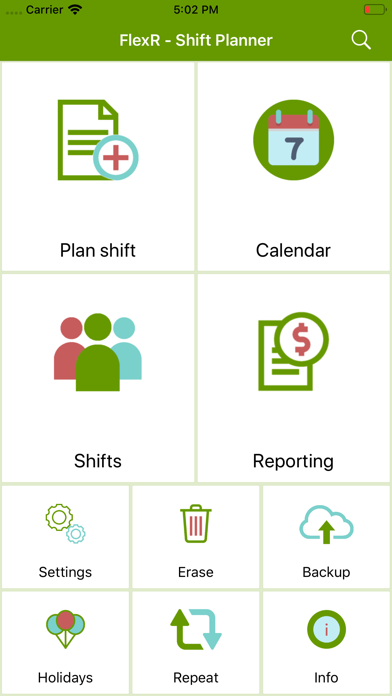
1. FlexR shows a clear view of your personal schedule for the coming weeks, but also your schedule of the past.
2. Paired with the ability to sync all of your schedule to your own external icloud (or google) Agenda.
3. FlexR gives you the opportunity to quickly make a report of your worked hours, including your salary.
4. All YOU have to do, is to tell the app when you have to work.