Cancel MapWalker Subscription
Published by Little Sam Software on 2025-11-04Uncover the ways Little Sam Software (the company) bills you and cancel your MapWalker subscription.
🚨 Guide to Canceling MapWalker 👇
Note before cancelling:
- The developer of MapWalker is Little Sam Software and all inquiries go to them.
- Always cancel subscription 24 hours before it ends.
🌐 Cancel directly via MapWalker
- Mail MapWalker requesting that they cancel your account:
- Login to your MapWalker account.
- In the menu section, look for any of these: "Billing", "Subscription", "Payment", "Manage account", "Settings".
- Click the link, then follow the prompts to cancel your subscription.
End MapWalker subscription on iPhone/iPad:
- Goto Settings » ~Your name~ » "Subscriptions".
- Click MapWalker (subscription) » Cancel
Cancel subscription on Android:
- Goto Google PlayStore » Menu » "Subscriptions"
- Click on MapWalker : Route Planner
- Click "Cancel Subscription".
💳 Cancel MapWalker on Paypal:
- Goto Paypal.com .
- Click "Settings" » "Payments" » "Manage Automatic Payments" (in Automatic Payments dashboard).
- You'll see a list of merchants you've subscribed to.
- Click on "MapWalker" or "Little Sam Software" to cancel.
Have a Problem with MapWalker : Route Planner? Report Issue
About MapWalker : Route Planner?
1. • Travel Path Edit: To create your own landmarks on the saved travel path.
2. • Save and Share Travel Path: You can save the dynamic travel path to create your own travel map.
3. • Travel Path Replay: You can see the movement of the saved travel path on map.
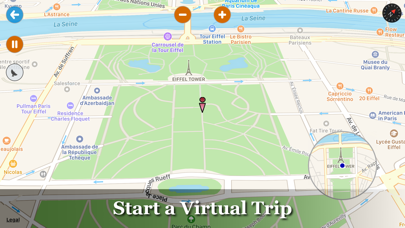
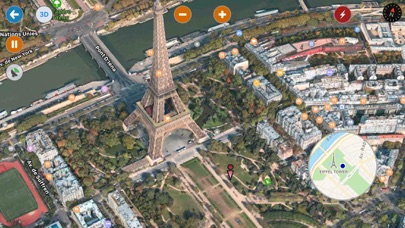
4. With MapWalker, you can traverse the whole world in your hands and create your own travel maps.
5. You can also take the snapshot of the travel path as a picture for sharing.